I just upgraded my personal laptop from a 2015 Intel MacBook Pro to an M4 Pro MacBook Pro. I wanted to try keep this new laptop as clean as possible, as you can imagine using the same machine for 10 years means you accrue a lot of files, setups, half started projects and the rest.
The goal of this post is to act as a sort of documentation for myself of the things I have setup on it and where possible the reasoning for it.
Mac System Settings
- Apple ID: Sign in
- Keyboard: key repeat = fast, delay until repeat = short
- Trackpad: 3/4 tracking speed, tap to click, click = light, natural scroll = off
- Finder: Show Library, show hidden files, show path to dir
defaults write com.apple.finder AppleShowAllFiles YES
Dock: Hide and show dock, increase size, remove most default apps, align on left of screen.
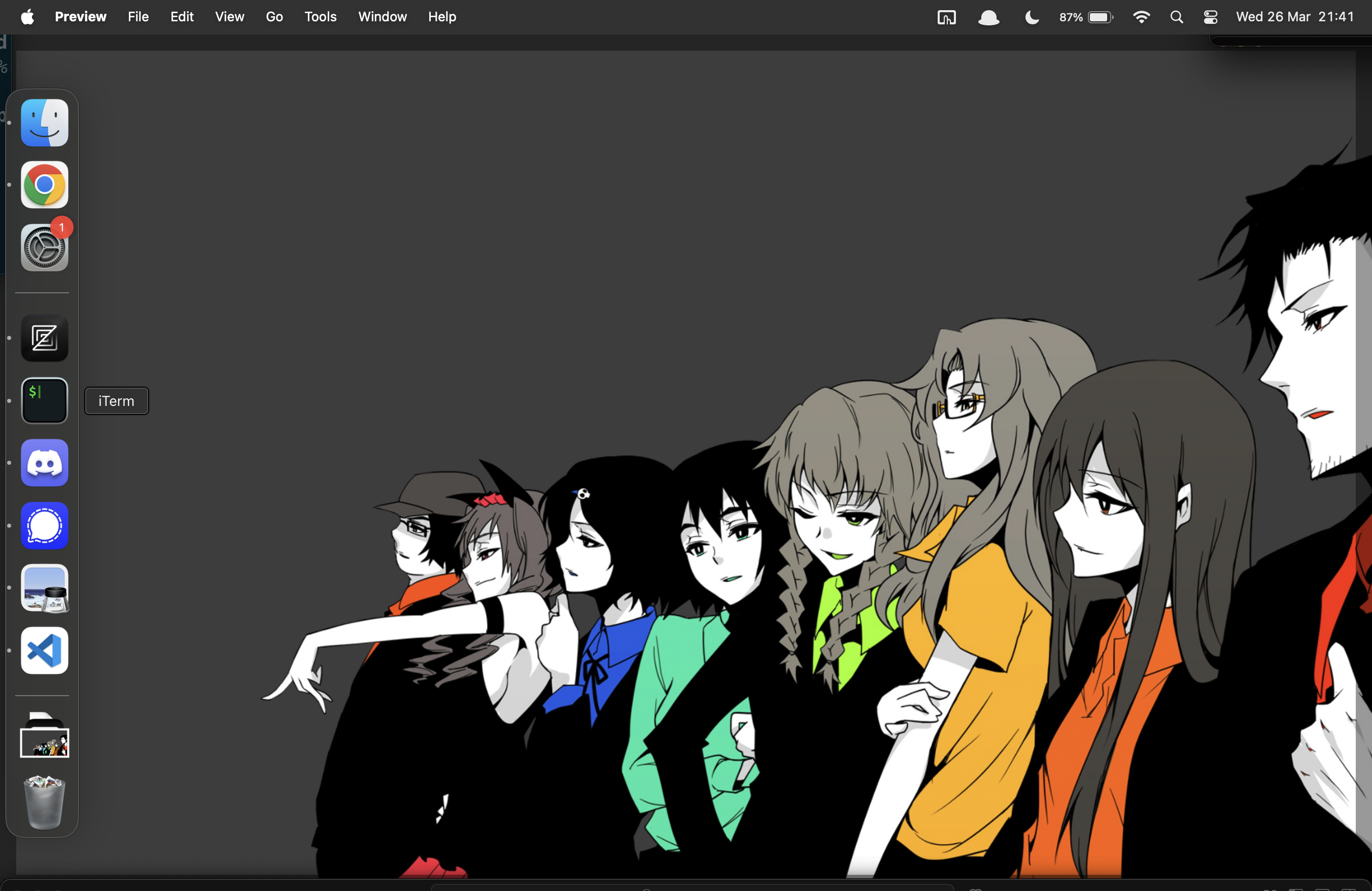
Set background to Steins Gate Background I’ve been using this background since at least 2013 and probably before. If anyone has a higher quality copy of this image please send it on.
Programming
- homebrew
/bin/bash -c "$(curl -fsSL https://raw.githubusercontent.com/Homebrew/install/HEAD/install.sh)"

# add brew to default shell path
echo >> /Users/scottomalley/.zprofile
echo 'eval "$(/opt/homebrew/bin/brew shellenv)"' >> /Users/scottomalley/.zprofile
eval "$(/opt/homebrew/bin/brew shellenv)"
- Install iTerm2
brew install --cask iterm2
Set global hotkey CMD + §, Set theme: Solarized Dark.
Set LS Colors export LSCOLORS=gxfxbEaEBxxEhEhBaDaCaD,
Install oh-my-zsh,
Install and configure Powerleve10k
- Install fnm
brew install --cask fnm
# Add the config to `.zshrc`
eval "$(fnm env --use-on-cd --shell zsh)"
- Install git
brew install --cask git
git config --global init.defaultBranch main
git config --global user.name "scottomalley"
git config --global user.email <email redacted>
- IDEs I’ve been trying zex recently, with the reliable VSCode as a backup.
brew install --cask zed
brew install --cask visual-studio-code
Utilities
brew install --cask alfred
brew install --cask bettertouchtool
Chat and Gaming
brew install --cask signal
brew install --cask steam
brew install --cask telegram
brew install --cask discord
This is where I’m leaving it for now. I’ll come back to this and add additional details as I make more changes.